Your remote solar pump suddenly stops delivering water.
You are miles away, unsure if it is a simple fix or a major failure.
Diagnosing the problem quickly is critical to your operation.
To tell if a solar pump is working, first check for visible water flow at the outlet. If there is no water, check the controller's indicator lights for power input and any error codes. A lit controller indicates the system is receiving power.
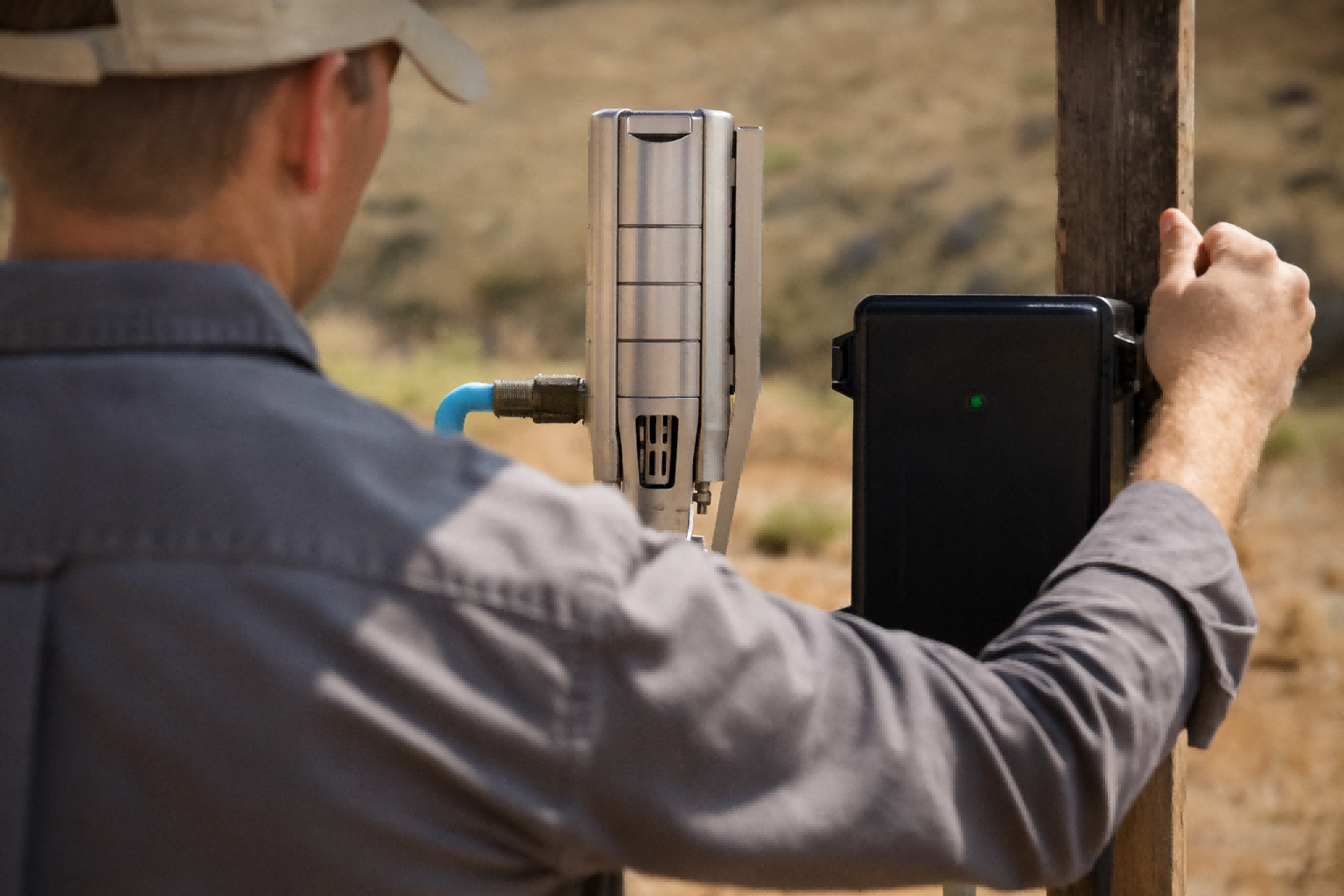
A solar water pump is a marvel of simple, effective technology.
However, its remote location can make troubleshooting seem daunting.
When water stops flowing, the cause could be anything from a passing cloud to a genuine system fault.
The key is not to panic but to follow a logical diagnostic process.
This process involves checking the three core components of the system in order.
You start with the power source, move to the control unit, and finally assess the pump itself.
By systematically evaluating each part, you can quickly identify the root of the problem and determine if the pump is working as intended under the current conditions.
Starting with the Basics: Is Water Actually Flowing?
You expect a steady stream of water from your pump.
The flow has stopped, and you immediately assume the pump has failed.
This is a common but often incorrect assumption.
The most direct way to tell if a pump is working is by observing water flow. However, the volume can vary greatly with sunlight. Low flow or intermittent flow does not always indicate a fault; it may just reflect low solar power.
Water output is the ultimate proof of a working pump.
But "working" is not a simple yes-or-no question for a solar-powered system.
Its performance is directly tied to the real-time availability of sunlight.
Understanding what to expect under different conditions is the first step in accurate diagnosis.
A pump that delivers a trickle of water on an overcast day is performing exactly as it should.
A high-efficiency system is designed to make use of every available watt of solar energy.
This means its output will change throughout the day.
End-users must learn to distinguish between normal, variable performance and a genuine system shutdown.
As a distributor, educating your customers on this point is crucial for managing expectations and reducing unnecessary service calls.
Quantifying the Flow
The simplest check is to look at the pipe outlet.
Is there any water coming out at all?
If you have a flow meter installed, this provides precise data.
For example, a pump rated for 3,000 liters per hour in full sun might only produce 500 liters per hour under heavy cloud cover.
This is normal.
A reading of zero, however, points to a potential issue that requires further investigation.
Checking System Pressure
If the outlet is far from the pump, pressure is a better indicator.
A pressure gauge installed near the pump head can tell you if the pump is building pressure in the line, even if water has not yet reached the outlet.
If the gauge shows pressure that fluctuates with the sunlight, the pump is working.
If the pressure is zero despite bright sun, you have a problem.
Understanding Flow vs. Pump Type
The type of pump affects what you should see.
- Solar Screw Pump: This positive displacement pump moves water with every rotation. Even at very low speeds in weak light, it should produce a small but steady trickle of water. It is excellent at lifting water from deep wells (high head) even when the sun is weak.
- Solar Centrifugal Pump (Plastic or Stainless Steel Impeller): This pump needs to reach a minimum rotational speed to generate enough force to push water effectively. In low light, the motor might be spinning slowly (a sign it is "working"), but it may not produce any water flow because it hasn't hit this speed threshold. This is normal and not a sign of failure.
This distinction is critical.
A user with a centrifugal pump might think it's broken on a cloudy day, while a user with a screw pump would still see some water.
| Observation | Possible Meaning (Screw Pump) | Possible Meaning (Centrifugal Pump) |
|---|---|---|
| No Flow in Full Sun | Likely a system fault (power, controller, or pump). | Likely a system fault (power, controller, or pump). |
| Low Flow in Full Sun | Possible well issue (low water) or blockage. | Possible well issue (low water) or blockage. |
| Low Flow in Weak Sun | Normal operation. System is working correctly. | Normal. The pump is running but below its flow threshold. |
| No Flow in Weak Sun | Possible fault, but could be extremely low light. | Normal operation. The pump is running but not fast enough. |
Investigating the Power Source: A Solar Panel Health Check
The pump controller shows no power.
You suspect a major electrical failure in the system.
This can lead to a costly and unnecessary service call.
If the system is dead, check the solar panels first. Ensure they are clean, unobstructed, and pointed toward the sun. Then, verify all electrical connections between the panels and the controller are secure and free of corrosion.
A solar pump is only as good as its fuel source.
Before you ever suspect a fault with the pump or its advanced motor, you must confirm that it is receiving power.
The vast majority of "pump failures" are, in fact, power supply issues originating at the solar panels.
These are often the easiest problems to identify and fix.
A systematic visual inspection of the solar array can often resolve the issue in minutes, restoring full operation without any complex electrical work.
This simple, methodical check should be the first step for any user before they contact their distributor for support.
It empowers the user and saves valuable time and resources for everyone involved.
Visual Inspection of the Panels
Start with the most obvious checks.
- Obstructions: Are the panels covered in dirt, dust, leaves, or snow? A significant layer of grime can reduce power output by over 25%, which may be enough to prevent the pump from starting.
- Shading: Look for new sources of shade. Has a tree branch grown over the array? Is a nearby structure casting a shadow over the panels during peak sun hours? Even partial shading on one panel can significantly reduce the output of the entire string.
- Damage: Inspect the glass surface of the panels for cracks, chips, or signs of moisture ingress. While durable, severe weather like hail can cause damage that compromises power output.
Checking the Wiring and Connections
Next, follow the power from the panels to the controller.
The connections are the most common points of failure in any electrical system.
Look for loose wires at the panel's junction box and at the controller's input terminals.
Vibrations and temperature changes can cause screw terminals to loosen over time.
Also, check for any signs of corrosion, especially in humid or coastal environments.
A corroded connection acts like a resistor, choking off the flow of power to the controller.
Measuring Voltage (Advanced Check)
For a more technical diagnosis, a multimeter can be used to check the panel's output.
Safety first: this should only be done by someone comfortable with electrical work.
Disconnect the panels from the controller and measure the "Open Circuit Voltage" (Voc) across the positive and negative leads.
This reading should be compared to the specifications on the back of the solar panel.
On a sunny day, the measured Voc should be close to the rated value.
A reading that is significantly lower, or zero, points to a problem with the panel itself or its wiring.
A simple checklist can guide this process.
| Check | Tool Required | What to Look For | Action if Problem is Found |
|---|---|---|---|
| Cleanliness | Soft cloth, water | Dirt, dust, snow, bird droppings | Clean the panels gently. |
| Shading | Your eyes | Shadows from trees, buildings | Remove the source of shade if possible. |
| Connections | Screwdriver | Loose wires, signs of corrosion | Tighten all terminal screws. Clean corrosion. |
| Voltage | Multimeter | Open Circuit Voltage (Voc) below specifications | Test individual panels to isolate the faulty one. |
Decoding the Controller: Your System's Diagnostic Center
The panels are clean, and the sun is bright, but there is still no water.
You do not know where to look next for the problem.
You are facing a potential pump or motor failure.
The controller is the brain of the system. Check its LED indicator lights. A solid power light confirms the panels are working. Flashing lights or error codes point to specific issues like a dry well or a motor jam.
The solar pump controller is more than just an on/off switch.
It is an intelligent device that constantly monitors the health and performance of the entire system.
Its LED lights and display screen provide a wealth of diagnostic information.
Learning to read and interpret these signals is the fastest way to understand what is happening with your pump.
The controller will often tell you the exact nature of the problem, saving you from having to guess.
It bridges the gap between the power source (panels) and the mechanical work (pump), making it the logical second step in any troubleshooting process.
For distributors, teaching customers to check the controller first can resolve over 50% of support inquiries without needing a site visit.
Reading the Indicator Lights
Most controllers use a simple system of LED lights to communicate their status.
Consult the user manual for your specific model, but they generally follow a common pattern:
- Power / Solar Light: A solid green light typically means the controller is receiving adequate voltage from the solar panels. If this light is off during the day, it confirms a power supply problem (as diagnosed in the previous step).
- Pump / Run Light: This light indicates that the controller is sending power to the pump's motor. If this light is on, but there is no water, the problem is likely with the pump, the motor, or the well itself.
- Fault / Alarm Light: A red or flashing light is a clear signal of a problem. The controller has detected an issue and has likely shut down the pump to protect it. The pattern of flashes often corresponds to a specific error code.
Understanding Common Error Codes
Controllers use error codes to pinpoint issues.
These are invaluable for remote diagnosis.
Common protective functions that generate errors include:
- Dry Run Protection: If the pump draws very little electrical current, the controller assumes the well is dry and stops the motor to prevent damage. This is a very common scenario.
- Over-current / Jam Protection: A sudden spike in current indicates the pump's impeller or screw is jammed by sand, gravel, or another obstruction. The controller shuts down the high-efficiency BLDC motor instantly to prevent it from burning out.
- High/Low Voltage Protection: This protects the motor from being damaged by voltage from the solar panels that is either too high or too low for its operating range.
The table below shows how to interpret these common signals.
| Controller Status | What It Means | Next Diagnostic Step |
|---|---|---|
| All lights off | No power from solar panels. | Re-check all panel connections and cleanliness. |
| Power light ON, Run light OFF | Controller has power but is not running the pump. | Check for an error code (e.g., dry run). Check well water level. |
| Power & Run lights ON | Controller is sending power to the motor. | Listen to the pump. Check for blockages in the pipe. |
| Fault light FLASHING | Controller has detected a specific problem. | Count the flashes, consult the manual to identify the error. |
Conclusion
To check a solar pump, start with water flow, then inspect the controller lights for power and errors.
This simple, step-by-step process allows for quick and accurate diagnosis of your system.
Frequently Asked Questions
How do I reset my solar water pump?
Disconnect the solar panels from the controller for 60 seconds, then reconnect them. This power cycle will reset the controller and clear most temporary faults.
Why does my solar pump run intermittently?
This is often normal. The pump runs when there is enough sun and stops when a cloud passes. This cycling is managed by the controller to maximize water output.
Can a solar pump run without a battery?
Yes, the vast majority of solar water pumps are direct-drive systems. They run directly from the solar panels' power during the day and do not use batteries.
How do you test a solar pump motor?
A technician can test the motor by checking the resistance between its windings with a multimeter or by connecting it to a known good power source to see if it runs.
What causes a solar water pump to stop working?
The most common causes are dirty solar panels, a dry well, or a jammed pump impeller. The controller will usually indicate the specific cause with an error light.
How long does a solar pump last?
A quality solar pump system with a BLDC motor can last 10-15 years or more. The high-efficiency brushless motor design has very few wearing parts, ensuring a long service life.