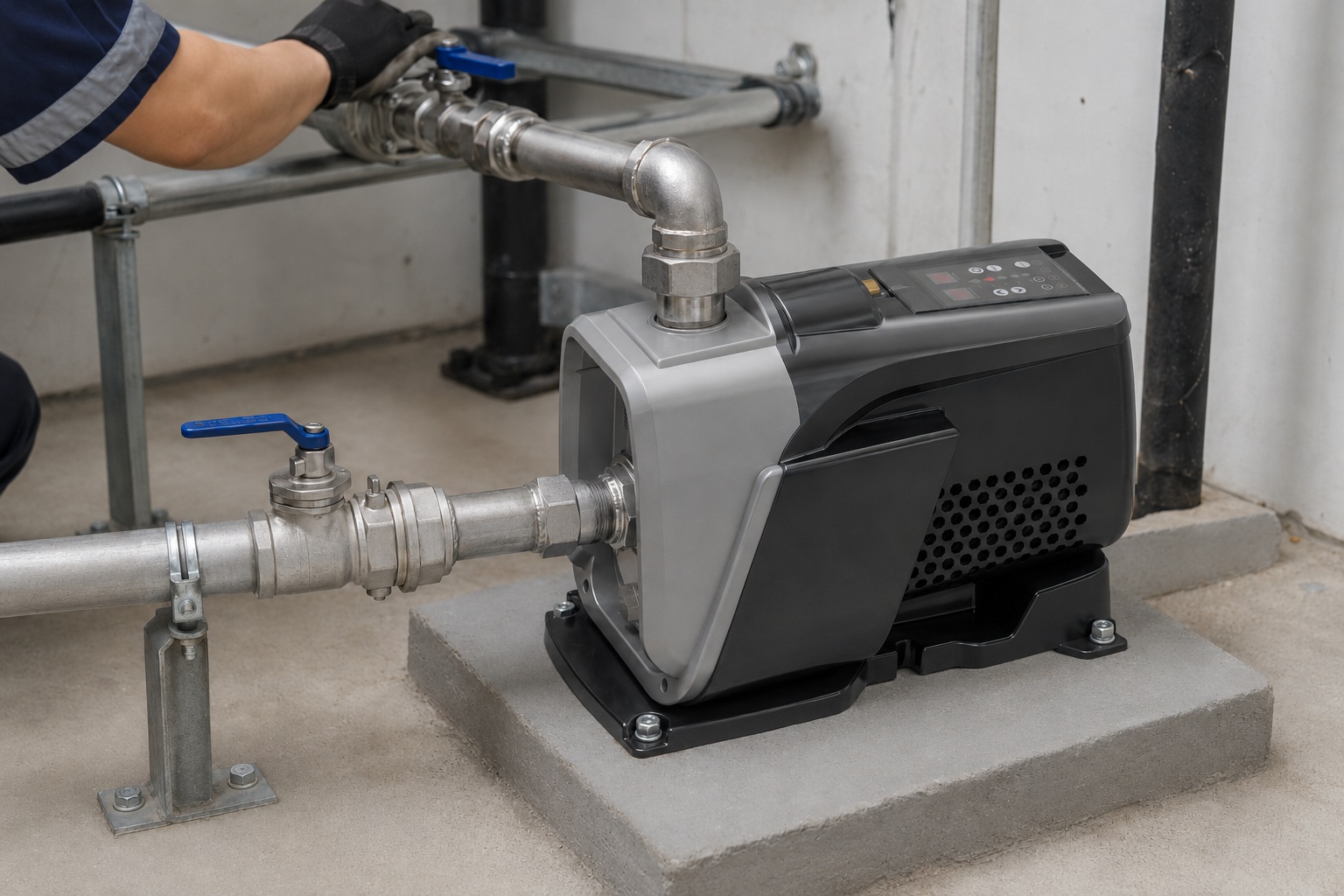
A non-working water pump can halt your entire day.
Without water, daily tasks become impossible.
A simple reset can often restore flow, and we’ll show you exactly how to do it safely.
To reset an electric water pump, first locate the reset button. It’s typically a red or yellow button on the motor housing or near the pressure switch. Press it firmly. If no button exists, perform a power cycle by switching the pump off at the circuit breaker for 30 minutes before turning it back on.
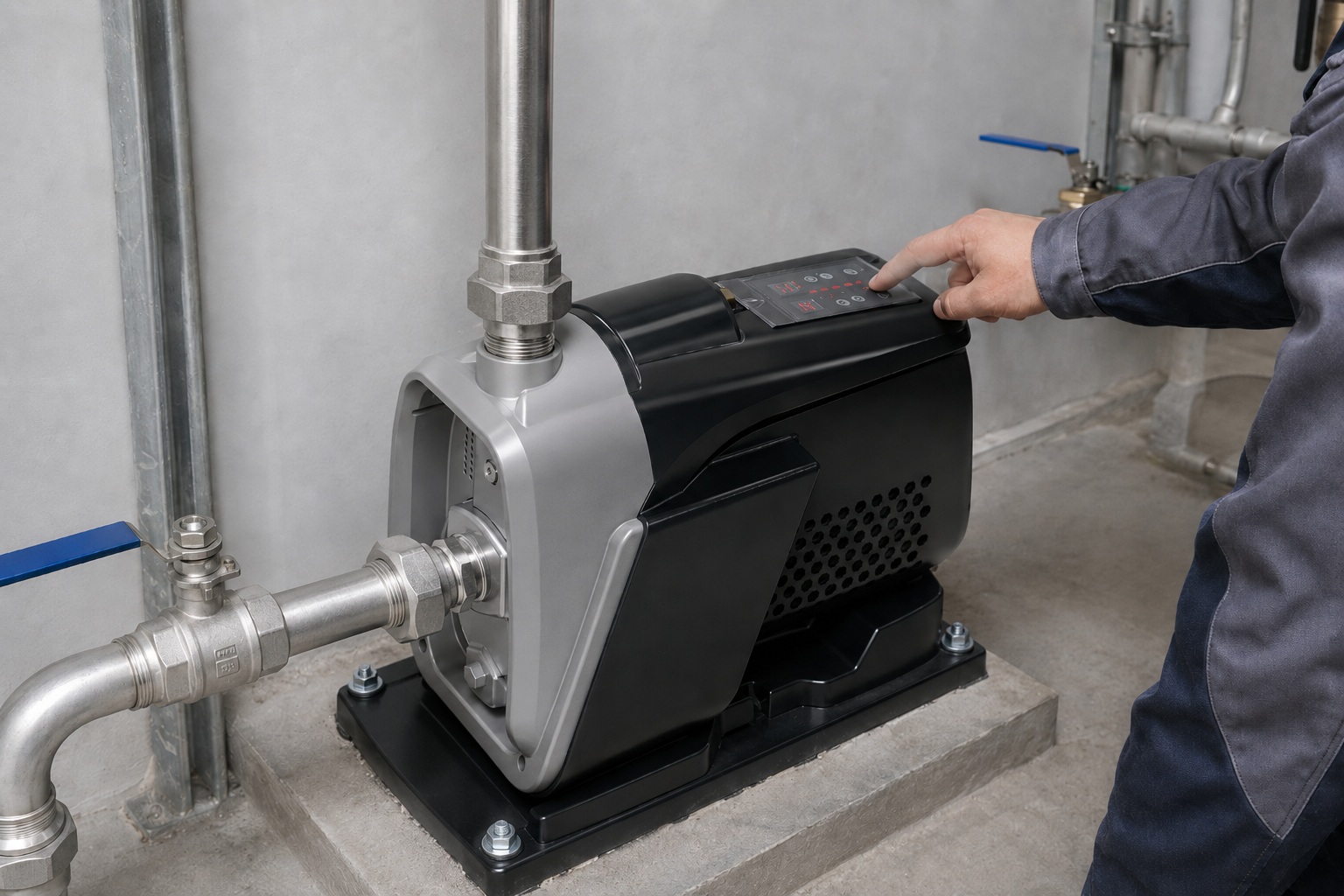
Now that you know the basic reset method, understanding the specific steps and safety precautions is crucial.
This knowledge will help you diagnose the root cause and prevent the issue from recurring.
Let’s delve into the detailed procedures to ensure you can handle any situation with confidence and restore your water supply efficiently.
Understanding Why Your Water Pump Needs a Reset
Your pump stopped, but simply resetting it isn’t enough.
Ignoring the root cause means the problem will likely return, causing more disruptions.
Let’s diagnose the issue to find a lasting solution.
A water pump typically needs a reset after a power interruption, motor overheating, or a rapid pressure change. The reset function is a critical safety mechanism. It protects the motor from damage caused by electrical faults or excessive strain, ensuring the longevity and reliability of your water system.
Understanding the "why" behind a pump trip is more important than the reset itself.
A reset button acts as a first line of defense for the pump’s motor, but it’s also a clear signal that an underlying issue needs attention.
Approximately 90% of pump failures that require a manual reset can be traced back to one of three categories: electrical anomalies, thermal overload, or pressure system faults.
Ignoring these warnings can lead to premature motor failure, costly repairs, and extended downtime for your water supply.
A proactive approach to diagnostics saves both time and money in the long run.
By identifying the trigger, you move from a reactive fix to a preventative maintenance strategy, which is key to maintaining a robust and reliable water infrastructure.
Electrical Supply Issues
Power grid instability is a primary culprit.
Voltage drops, spikes, or brief outages can cause the pump’s control system to trip its internal protection.
Many standard pumps are sensitive to voltage fluctuations outside a narrow 5-10% tolerance band.
However, advanced systems, such as those with intelligent permanent magnet variable frequency (VSD) technology, often feature wider voltage protection.
These pumps can operate smoothly even with voltage fluctuations between 180V and 260V, significantly reducing nuisance trips.
Thermal Overload Protection
This is one of the most common reasons for a manual reset.
The motor has a built-in thermal switch that cuts power if the internal temperature exceeds a safe limit, typically around 105-120°C.
This protects the motor windings from burning out.
Common causes include:
- Running Dry: The pump uses water for cooling. Without it, heat builds up rapidly.
- Jammed Impeller: Debris or sediment can lock the impeller, causing the motor to strain and overheat.
- High Ambient Temperatures: A pump in a poorly ventilated space on a hot day is more susceptible to overheating.
- Mechanical Wear: Worn bearings or seals increase friction and heat generation.
Pressure Switch and System Faults
The pressure switch tells the pump when to turn on (cut-in pressure) and off (cut-off pressure).
A fault in this system can cause the pump to behave erratically and trigger a reset.
| Fault Symptom | Root Cause | Diagnostic Action |
|---|---|---|
| Pump runs continuously | Pressure switch failed to signal cut-off; significant leak in the plumbing. | Observe if the pump builds to cut-off pressure. Inspect all pipes and fixtures for leaks. |
| Pump cycles rapidly (short-cycling) | Waterlogged or failed pressure tank; incorrect air charge in the tank. | Check the air pressure in the tank with a tire gauge. It should be 2 PSI below the pump’s cut-in pressure. |
| Pump won’t turn on | Clogged nipple or tube to the pressure switch; failed electrical contacts in the switch. | Disconnect power and inspect the small tube leading to the switch for blockages. |
Locating and Using the Pump’s Reset Button
You know a reset is needed, but the button is nowhere to be found.
Searching for a small button in a poorly lit pump house can be frustrating and delay your access to water.
Let’s make finding and using it simple.
To locate the reset button, check the side or back of the pump’s motor housing. It is a distinct, often red or sometimes yellow, physical button. On some submersible pump controllers or pressure switches, it may be a small black button. Press it firmly until you feel a click.
The reset button is intentionally conspicuous to ensure it can be found during a service call.
However, its exact location varies between pump types and manufacturers.
For most above-ground pumps, such as jet pumps or booster pumps, the motor is the first place to look.
The button is usually housed within a small circular or square plastic casing directly on the motor’s exterior shell.
Some designs integrate it into the terminal box where the electrical wiring connects.
If you are dealing with a submersible well pump, the reset button will not be on the pump itself, as the pump is underwater.
Instead, you need to find the pump’s control box.
This is a separate unit, typically mounted on a wall near your pressure tank.
The reset mechanism on these boxes can be subtler and is often part of the overload protection component inside the box.
A Visual Guide to Reset Button Locations
Before you press anything, a quick visual inspection can save time.
Use a flashlight to get a clear view of all sides of the pump motor and any associated control boxes.
- Jet and Centrifugal Pumps: Look for a small, protruding button on the main body of the electric motor. It is frequently labeled "Reset" or "Thermal Overload." The color is almost always red or yellow for high visibility.
- Submersible Pump Control Boxes: The reset is located inside the control box. It may be a larger red button or a smaller, discrete black button on one of the electrical components, often labeled "Overload" or "OL."
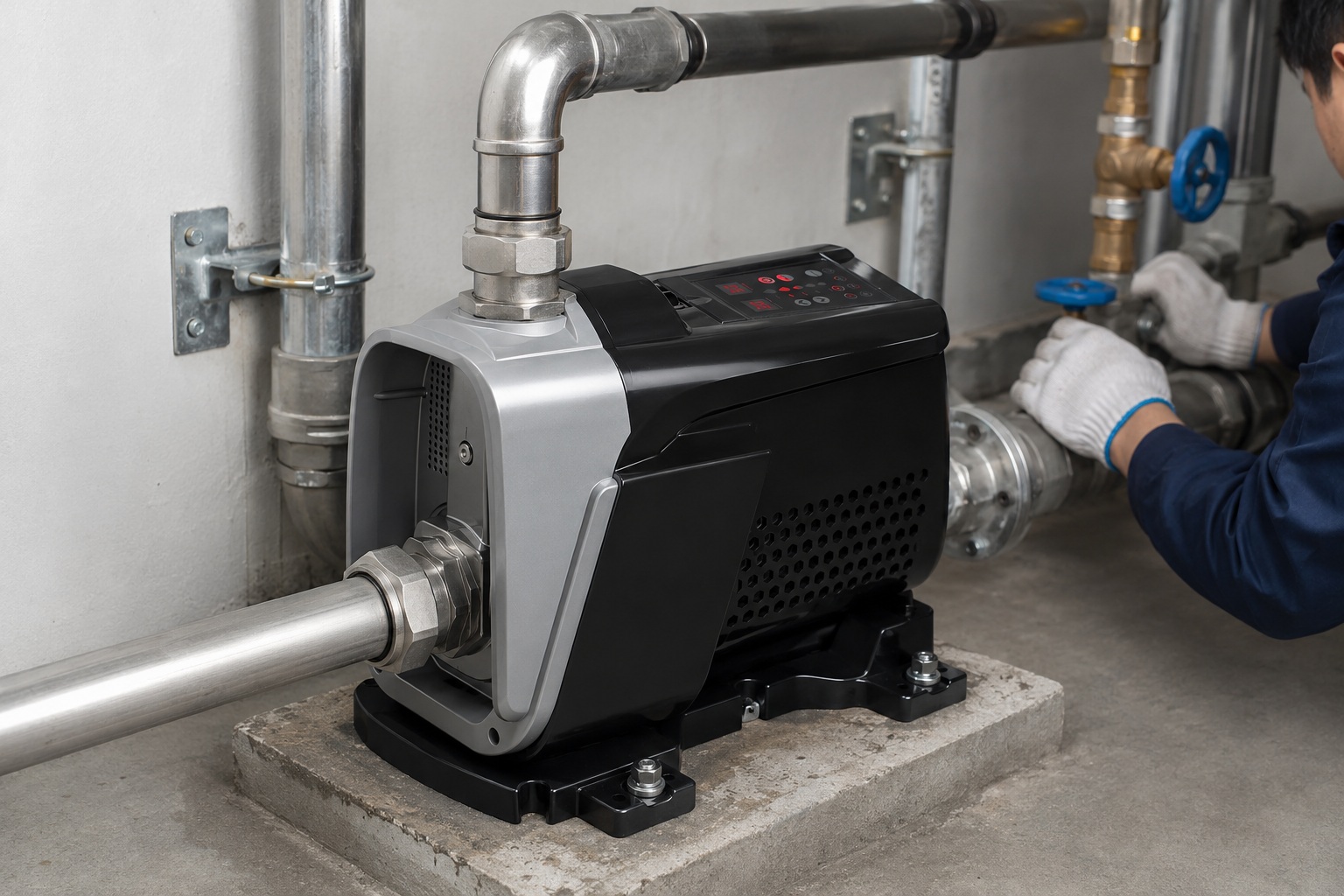
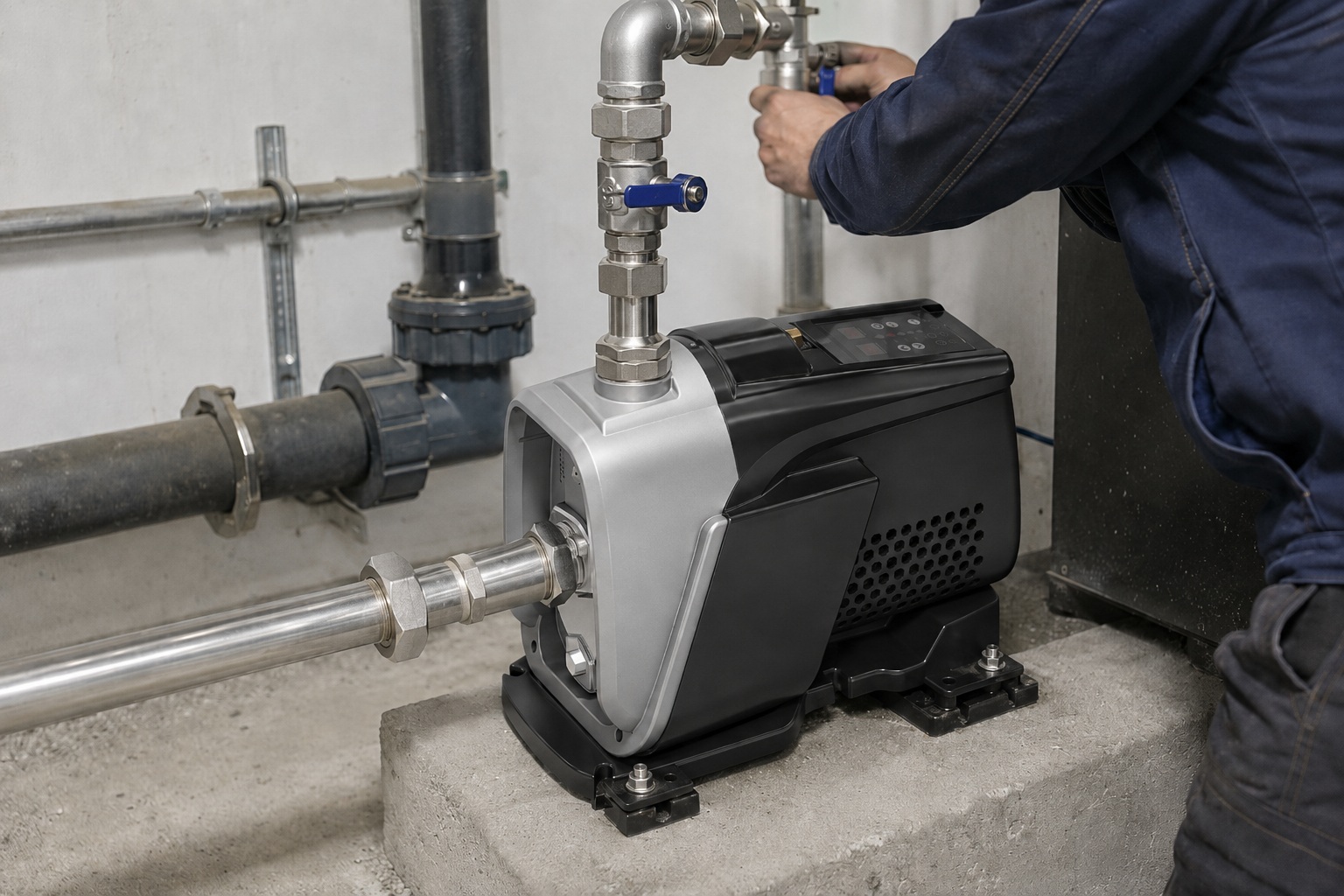
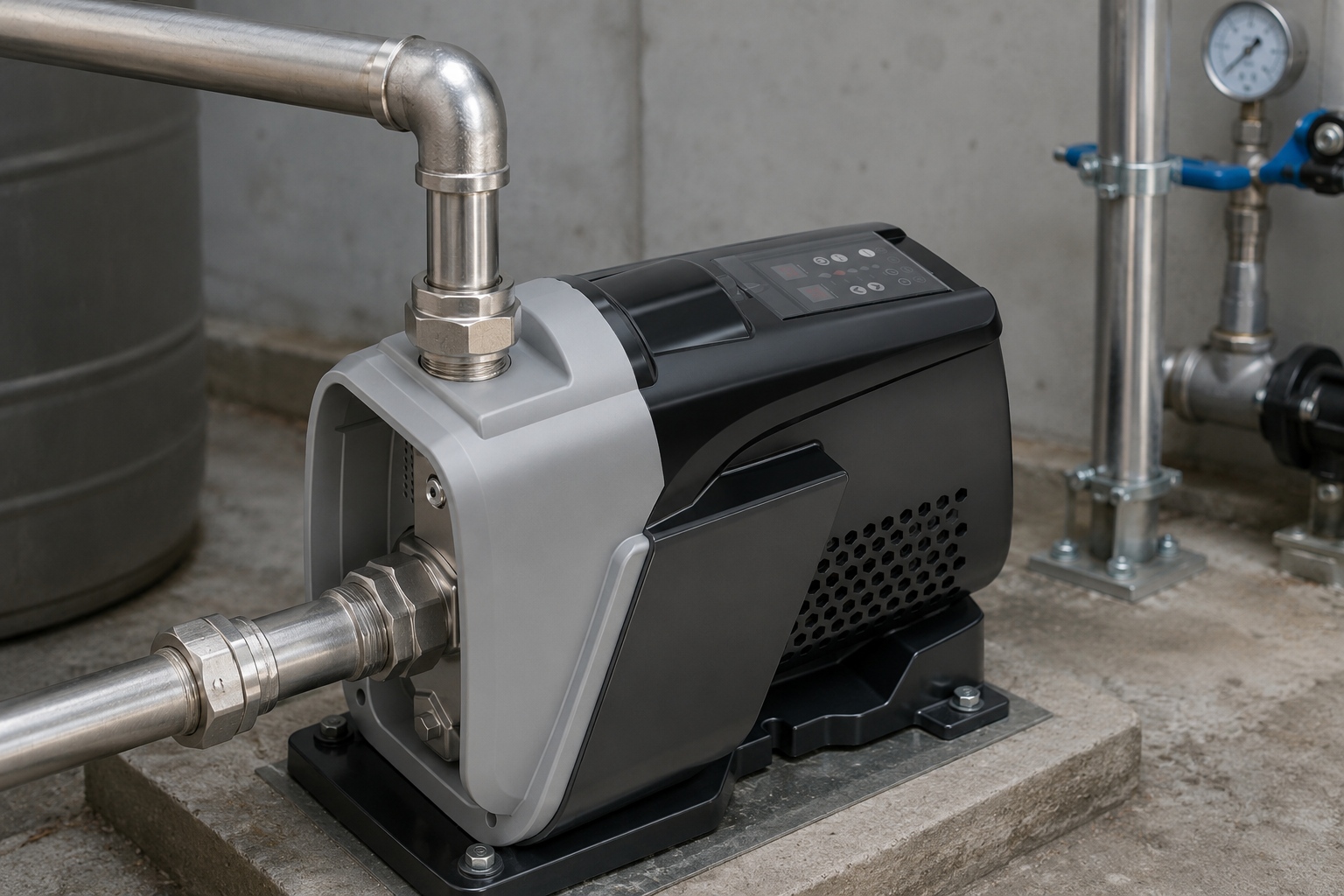
- Variable Frequency Drive (VSD) Pumps: Modern VSD pumps often do not have a physical reset button. Instead, they handle resets through their digital interface or an automatic fault recovery process. A "fault" or "error" code will be displayed on the screen, and the user manual will provide instructions for clearing the fault, which often involves a power cycle.
The Correct Way to Press the Button
Simply tapping the button may not be enough.
You need to apply firm, steady pressure.
| Action | Expected Feedback | What It Means |
|---|---|---|
| Press and Hold | A distinct "click" is felt or heard. | The thermal switch has successfully been reset. The electrical circuit is now closed. |
| Press and No Click | The button feels loose or does not depress. | The thermal switch has not tripped, or it has already reset automatically. The issue lies elsewhere. |
| Button Clicks but Trips Again | The button can be reset, but the pump stops again shortly after. | The underlying fault (e.g., overheating, low voltage) has not been resolved. Do not keep resetting. |
If the button trips immediately after resetting, it’s a critical warning.
Continuously forcing a reset can bypass the safety mechanism and lead to permanent motor burnout, a repair that can cost over 60% of a new pump’s price.
At this stage, further troubleshooting is required.
What if There Is No Reset Button? The Power Cycle Method
You’ve searched everywhere, but your pump has no visible reset button.
Assuming the pump is broken can lead to an unnecessary service call.
There is another standard reset procedure to try first.
If your pump lacks a physical reset button, you must perform a power cycle reset. Go to your electrical panel and switch off the circuit breaker dedicated to the water pump. Wait for at least 30 minutes to an hour before switching the breaker back on. This resets the internal electronics.
The absence of a manual reset button is common in two types of systems: very old pumps predating modern safety standards, and highly advanced pumps that use electronic-based protection.
In both cases, a hard power cycle is the universal method for forcing a reset of the pump’s operational state.
This process allows any residual electrical charge in capacitors to dissipate and gives electronic control boards a chance to reboot, similar to restarting a computer.
It also gives an overheated motor ample time to cool down below its thermal trip point, allowing any automatic internal thermal switch to reset itself.
Rushing this process is a common mistake; a 5-minute wait is often not enough. A minimum of 30 minutes ensures a full reset.
Step-by-Step Power Cycle Instructions
Safety and patience are paramount during this procedure.
Following these steps precisely ensures the reset is done correctly and safely.
- Identify the Correct Circuit Breaker: Your electrical panel should have breakers labeled. Find the one for the "Well Pump," "Booster Pump," or simply "Pump." If it is not labeled, you may need to test circuits until you find the correct one.
- Turn the Breaker Off: Firmly push the breaker switch to the "OFF" position. You should hear a solid click. If the breaker is already in the middle (tripped) position, you must first push it to "OFF" before you can turn it back "ON."
- The Waiting Period: This is the most critical step. Set a timer for at least 30 minutes, but 60 minutes is even better. This extended period ensures complete thermal and electronic reset. During this time, the system is fully powered down.
- Restore Power: After waiting, switch the breaker firmly back to the "ON" position.
- Listen and Observe: Go to the pump and listen. You should hear the pump kick on within a few seconds, especially if a faucet is open, calling for water. Check for normal water flow at a tap.
When Power Cycling Is the Standard Procedure
Certain pump technologies rely exclusively on power cycling for resets.
| Pump Technology | Reason for No Manual Button | Best Practice |
|---|---|---|
| Modern VSD/VFD Pumps | Faults are managed by a microprocessor. Errors are cleared via the digital interface or an automatic restart protocol after a power cycle. | Check the display for an error code before cycling power. This code provides crucial diagnostic information. |
| Pumps with Internal Thermal Switches | The overload protection is a bimetallic strip inside the sealed motor housing. It resets automatically once it cools down. A power cycle ensures it’s off long enough to cool. | The extended wait time (30-60 minutes) is essential. If it still won’t start, the internal switch may have failed permanently. |
| Small Utility Pumps | To reduce manufacturing costs and complexity, these pumps often omit an external reset button and rely on internal, one-time thermal fuses or simple power cycling. | These pumps are often less robust. If a power cycle doesn’t work, the pump may have reached the end of its service life. |
If the pump fails to start after a proper power cycle, it indicates a more serious problem.
This could range from a failed starting capacitor to a seized motor or a complete failure of the control electronics.
At this point, the problem has moved beyond a simple reset and requires professional diagnosis.
Troubleshooting After a Reset Fails
You’ve reset the pump, but it either won’t start or trips again immediately.
Feeling stumped can lead to frustration and a lack of water.
A systematic check will help you pinpoint the persistent issue.
If a reset fails, check three key areas: power supply, water flow, and the pressure system. Ensure the breaker is on and providing correct voltage. Check for clogs in the intake line. Confirm the pressure tank has the proper air charge and the pressure switch is functioning.
A failed reset is the pump’s way of telling you that the initial problem is still present and unresolved.
Repeatedly trying to reset it without investigation is counterproductive and potentially damaging.
A structured approach to troubleshooting is essential.
More than 70% of post-reset failures are due to easily identifiable issues in the electrical, mechanical, or plumbing systems connected to the pump.
Before assuming the pump motor itself has failed, a thorough inspection of these related components is necessary.
This methodical process not only helps in identifying the current problem but also serves as preventative maintenance, potentially highlighting other developing issues before they lead to a complete system failure.
In-Depth Electrical Checks
The problem might not be the pump but the power it’s receiving.
- Check the Breaker Again: Ensure the breaker is firmly in the "ON" position. Sometimes a weak breaker can look on but fail to make a proper connection.
- Use a Multimeter: This is a crucial diagnostic step. With the power on, carefully test the voltage at the pump’s pressure switch or terminals. For a 230V pump, you should see a reading between 220V and 240V. A reading below 210V (low voltage) can cause a motor to overheat and trip. A reading of 0V indicates a break in the circuit somewhere between the panel and the pump.
- Inspect Wiring: With the power OFF, visually inspect all wiring for signs of damage, such as burnt insulation, corrosion on terminals, or loose connections. A loose wire can cause arcing and voltage drops.
Inspecting for Mechanical and Plumbing Blockages
The motor may be straining against a physical restriction.
- Check for a Jammed Impeller: With the power safely disconnected, if you can access the motor shaft, try to turn it by hand. If it doesn’t spin freely, the impeller is likely jammed with sediment, pebbles, or other debris.
- Inspect the Intake Line: A clogged intake screen or foot valve is a very common problem. This starves the pump of water, causing it to run dry, overheat, and trip the thermal overload. You may need to pull the pump (for submersibles) or disconnect the intake pipe to check.
- Look for Leaks: A significant leak in the plumbing after the pump will cause it to run continuously. This extended run time can lead to overheating, especially if the pump is not rated for continuous duty.
Diagnosing the Pressure System
The pump’s control center can be the source of the failure.
| Component | Symptom of Failure | How to Verify |
|---|---|---|
| Pressure Tank | Pump short-cycles (on for a few seconds, off, then on again), leading to motor overheating. | The tank feels waterlogged or heavy. When you press the air valve (schrader valve), water spurts out instead of air. This means the internal bladder has failed. |
| Pressure Switch | Pump won’t turn on or won’t turn off. | With power off, check for burnt or pitted contact points inside the switch cover. Check the small tube leading to it for blockages from sediment. |
| Starting Capacitor | The pump hums but the shaft does not spin. | This is a very common failure point. The capacitor provides the initial torque to start the motor. It is a cylindrical component on the motor or in the control box that often bulges or leaks when it fails. |
If all these checks are completed and the pump still fails to operate, the issue is likely internal to the motor itself, such as a failed winding.
At this stage, contacting a qualified pump technician or supplier is the recommended course of action.
Conclusion
Resetting an electric water pump is a straightforward process.
It often involves pushing a button or cycling the power.
Understanding the cause is key to a permanent fix and reliable water.
Frequently Asked Questions
Why does my water pump keep needing to be reset?
This often indicates an underlying issue like low voltage, a clogged intake, or a failing pressure tank causing the motor to overheat and trip its thermal overload protection.
How long does a water pump take to reset?
If using a reset button, it’s instant. If power cycling, you must wait at least 30-60 minutes for the motor to cool and internal electronics to reset properly.
What happens if you run a water pump dry?
Running a pump dry causes it to rapidly overheat because it uses water for cooling. This will trip the thermal overload and can cause permanent damage to seals and the motor if done repeatedly.
Can a bad capacitor cause a pump to trip the breaker?
Yes, a failing or shorted start/run capacitor can draw excessive current when the pump tries to start, causing the circuit breaker to trip as a protective measure.
How do I know if my water pump pressure switch is bad?
Signs of a bad pressure switch include the pump not turning on or off, rapid cycling, or visible burnt contacts inside the switch cover.
Is there a reset button on a submersible well pump?
No, the reset button is not on the pump itself. It is located on the separate wall-mounted control box, usually found near your pressure tank.